 Enterprise AI Platforms
Reclaim.ai Review (2026): AI Calendar Optimization for Teams
Reviewed and last updated: . Pricing checked against the vendor’s published plans at review time.
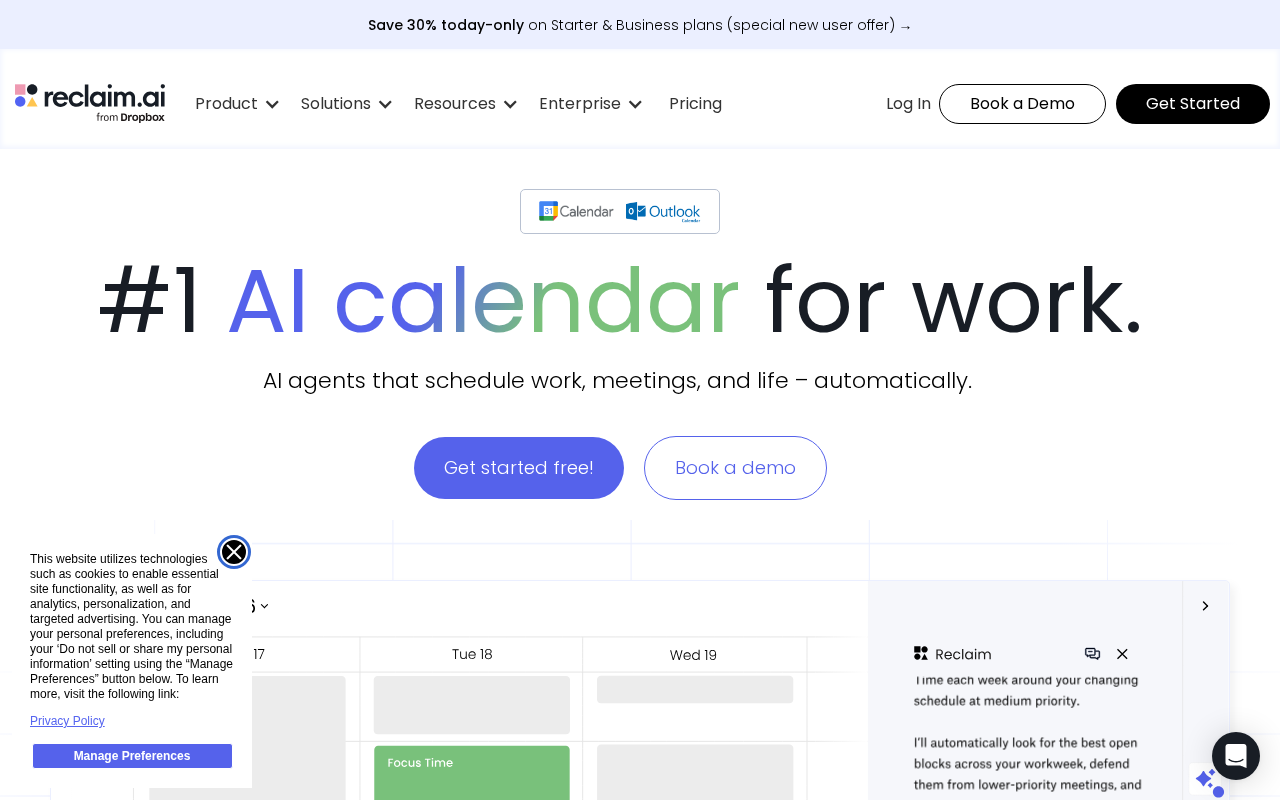
Calendars fill up the way closets do: nobody decides it, it just happens. Reclaim.ai pushes back. You tell it what needs time, like deep work, recurring habits, tasks with deadlines, one-on-ones, and it continuously arranges your calendar to protect those things, rescheduling them when meetings land on top.
What it does well
The core trick is that protected time moves instead of disappearing. A conflict doesn’t delete your focus block; it relocates it. Across a team, it also smooths where meetings land, which adds up in organizations with heavy meeting load.
Where it stops
It works at the calendar layer, and that’s the whole scope. It won’t run your projects or your AI stack, and the team-level benefits only show up if the team actually adopts it. One enthusiast with an optimized calendar in a company of chaos is just well-rested.
When it makes sense
When calendar fragmentation is measurably eating output. Team leads and ops usually champion it, and it’s rarely central to a core AI deployment, which is exactly why it sits in our supporting tier.
Our take
A worthwhile multiplier where meeting load is real. Just be honest about whether your problem is the calendar or the meeting culture, because software only fixes one of those.
What it costs
Reclaim.ai’s published plans (as of August 2026): a free Lite tier (1 user, core habits/focus-time features), Starter around $10–12/seat/month, Business around $15–18/seat/month (unlimited calendar syncs and scheduling links, team features), and Enterprise at $22/seat/month (annual only) with SSO and SCIM. Pricing is friendly by enterprise-software standards; the real cost is adoption effort, since team-level value needs team-level rollout.
Pros and cons
Where it wins
- Protected time moves instead of disappearing when conflicts land
- Set-and-forget: habits, tasks, and buffers schedule themselves
- Cheap per seat relative to the meeting-hours it recovers
- Team features smooth meeting placement across busy calendars
Where it hurts
- Calendar-layer scope only — it won’t fix meeting culture
- Value requires team-wide adoption, not one enthusiast
- Enterprise tier (SSO/SCIM) is annual-only
Alternatives to consider
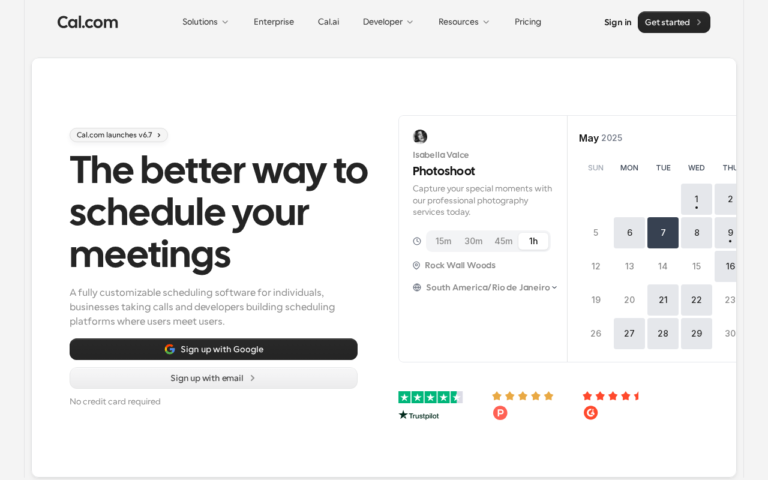
Motion bundles calendar AI with project management; Clockwise focuses on team-wide focus-time coordination at larger orgs. Cal.com handles the adjacent, different job of external booking. Pick by whether your problem is inward (your time) or outward (their booking).
Frequently asked questions
Is Reclaim.ai worth it in 2026?
If your team’s calendars are fragmented enough that deep work keeps losing to meetings, yes — it’s a cheap multiplier. If the problem is meeting culture rather than calendar mechanics, fix that first; software can’t.
What does Reclaim.ai cost?
Free Lite tier for individuals; Starter roughly $10–12/seat/month; Business roughly $15–18/seat/month with unlimited syncs and team features; Enterprise $22/seat/month (annual only) adds SSO and SCIM.
Reclaim vs Motion vs Clockwise?
Reclaim optimizes calendars around habits, tasks, and focus time. Motion adds project management to the mix. Clockwise leans into org-wide focus-time coordination. For pure calendar defense at team scale, Reclaim is the focused pick.
Transparency: EnterpriseAI.app may receive referral revenue if you sign up through links on this page, at no additional cost to you. Evaluations are completed before referral relationships are considered — see our methodology and disclosure.