 Enterprise AI Platforms
Browse AI Review (2026): No-Code Web Scraping for Teams
Reviewed and last updated: . Pricing checked against the vendor’s published plans at review time.
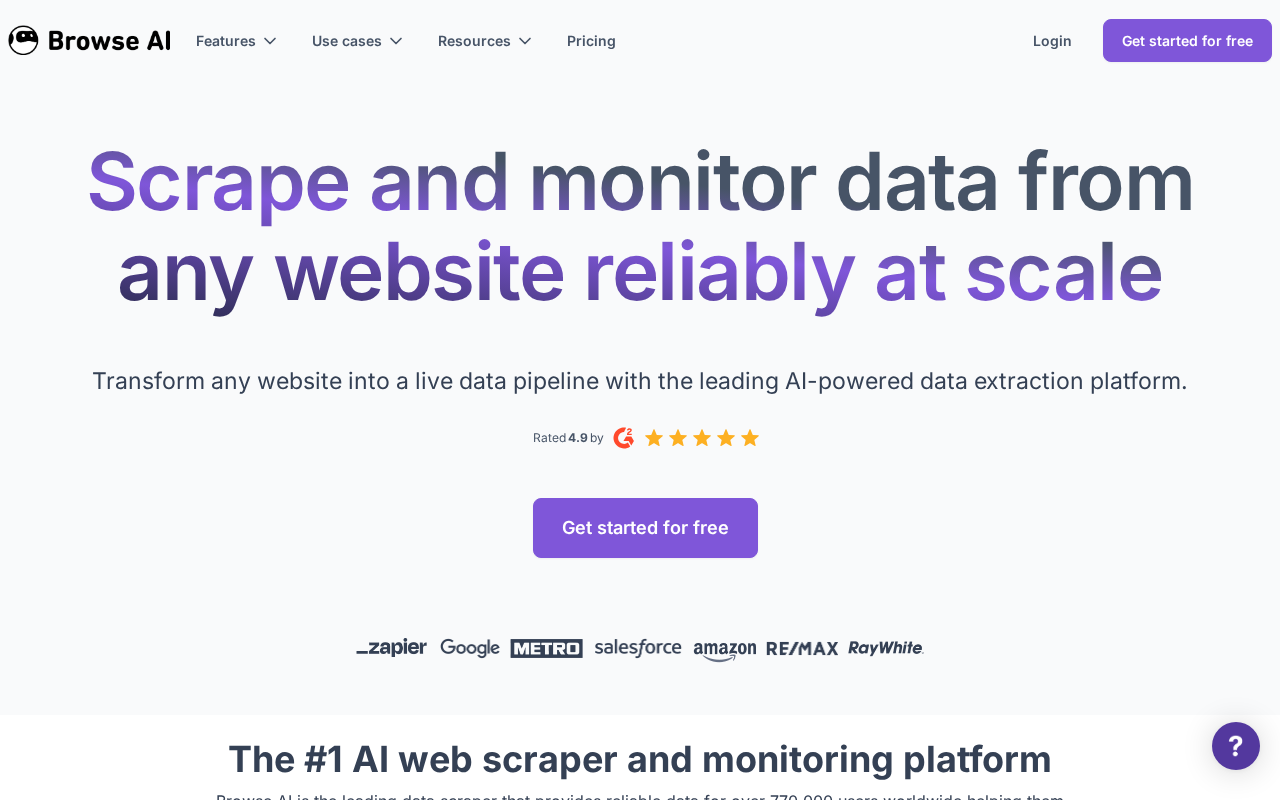
Browse AI answers a simple question: what if an analyst could scrape a website without filing a ticket? You click through a page to show the robot what data you want, it repeats the job on a schedule, and you get structured results or a change alert in your inbox or spreadsheet.
What it does
Point-and-click robot training, scheduled runs, monitoring for changes, pre-built robots for common sites, and integrations that land results where teams already work. Competitor tracking, price monitoring, and listings watching are the bread-and-butter uses.
Strengths and limits
For non-developers it’s the fastest route to web data we’ve seen, and the monitoring alerts make it genuinely useful for keeping an eye on things rather than just extracting them once. The limits show up at scale: governance is thin compared with pipeline platforms, and robots trained on complex or frequently redesigned sites will break and need retraining. When web data graduates from “useful to my team” to “infrastructure for the org,” that’s the handoff point to something like Apify.
When it makes sense
Scoped, team-level extraction and monitoring, owned by the analysts who need the data, where standing up a governed pipeline would be overkill.
Our take
Right tool, right scale. Use it at team level and know when you’ve outgrown it.
What it costs
Browse AI’s published plans (as of August 2026): a free tier (50 credits/month, 2 websites), Personal at $19/month billed annually ($48 monthly), Professional at $69/month annually ($87 monthly) with up to 10 users, and Premium from $500/month (annual only) with managed onboarding and custom limits. Credit-based pricing means costs track how often your robots run — cheap for monitoring a few pages, meaningful at scale, which is roughly the point where a pipeline platform makes more sense anyway.
Pros and cons
Where it wins
- Fastest no-code path from ‘I need this data’ to having it
- Monitoring alerts turn scraping into ongoing watching
- Pre-built robots cover common sites
- Free tier and low entry price fit team budgets
Where it hurts
- Governance and observability are thin next to pipeline platforms
- Robots break when complex sites redesign, and need retraining
- Credit costs climb with run frequency — heavy use erodes the price advantage
Alternatives to consider
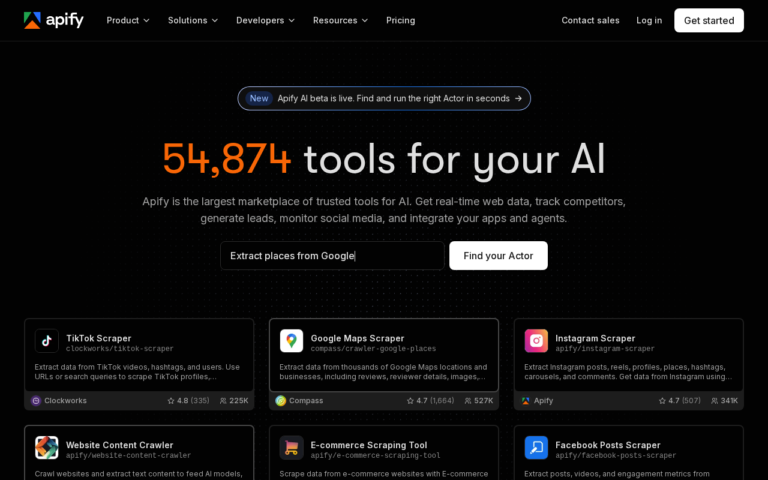
Apify is the graduation path when web data becomes organizational infrastructure. Octoparse competes in the same no-code space with a desktop-app slant. If you’re choosing between Browse AI and Apify, the honest question is who maintains it: an analyst or an engineer.
Frequently asked questions
Is Browse AI worth it in 2026?
For scoped, team-level extraction and monitoring owned by analysts, yes — it’s the fastest route to web data without engineering. When data feeds org-level reporting, graduate to a governed pipeline platform.
What does Browse AI cost?
Free tier with 50 monthly credits; Personal $19/month (annual billing); Professional $69/month annually with up to 10 users; Premium from $500/month with managed service. Credits track robot runs, so frequency drives cost.
Browse AI vs Apify?
Browse AI: point-and-click, minutes to first data, analyst-maintained. Apify: developer-grade pipelines with versioning, monitoring, and governance. Team-level need vs organizational infrastructure is the deciding line.
Transparency: EnterpriseAI.app may receive referral revenue if you sign up through links on this page, at no additional cost to you. Evaluations are completed before referral relationships are considered — see our methodology and disclosure.